

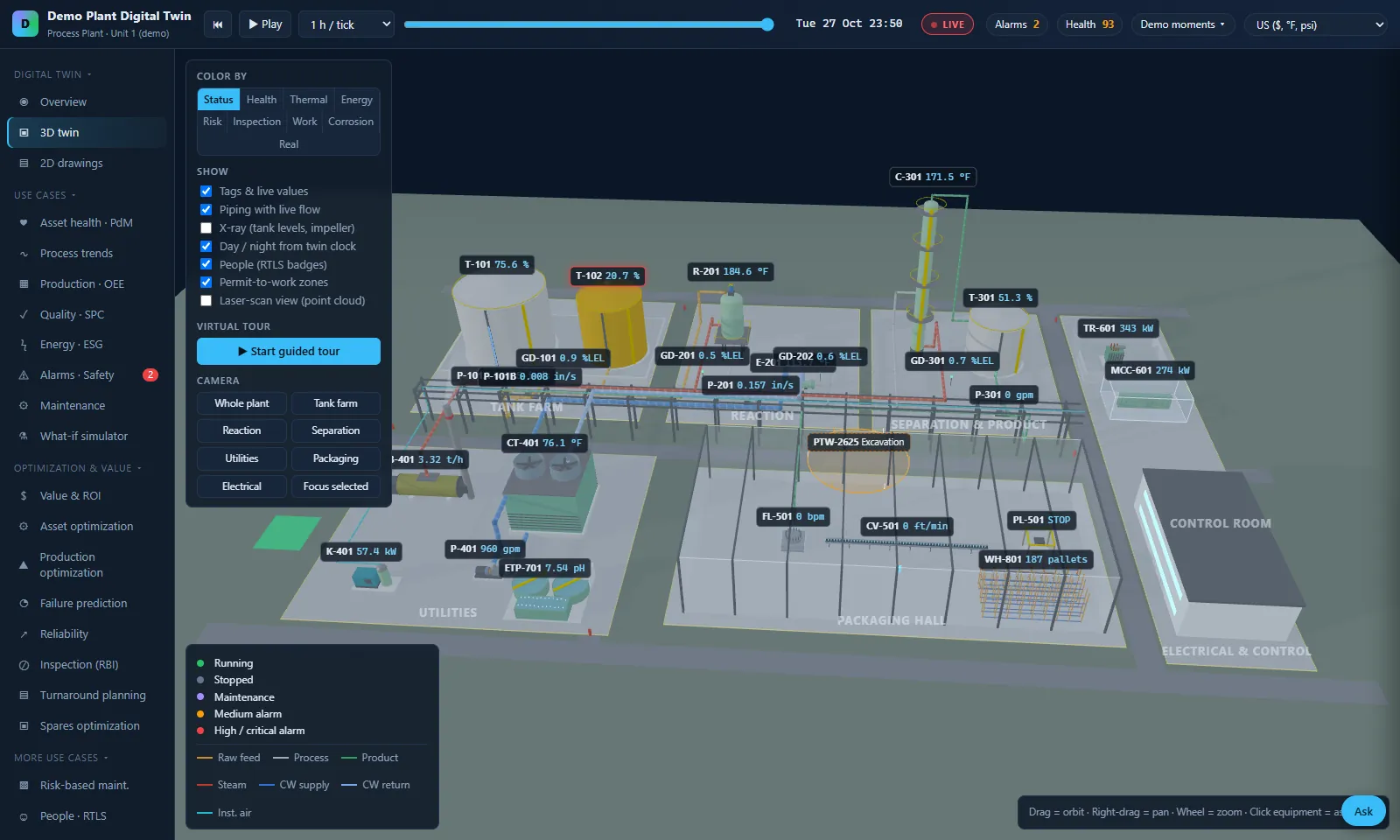
A digital twin is a living digital model of a plant: its equipment, its live data and its documents, connected in one place. Done well, it becomes the screen everyone opens first. Done badly, it is an expensive 3D picture.
Start with a business question
Pick one problem worth solving: “Why do our feed pumps trip?”, “Where is our steam going?”, “Which permits are open in this unit right now?”. The question decides which data and which views you need.
Connect data and context
Live values alone are not enough. Each tag needs context: which equipment it belongs to, which unit, which drawing and data sheet. That context is what turns numbers into answers — and good asset information (see CFIHOS) makes it much faster.
Keep 3D optional
3D helps people find their way and makes the twin engaging, but the value comes from the data. Start with clear 2D views and add 3D where it helps navigation and training.
Pilot, then scale
- One question
- One unit
- Connect data
- Prove value
- Scale up
A focused pilot of around twelve weeks is usually enough to connect the data, show it to the people who will use it, and measure the first results. Then add the next unit or the next question.
See a working twin
Open one of our five demo plants in your browser — no installation needed.
Related: NxtSpark Digital Twin · Predictive maintenance in 5 steps