

Walk through a plant right in your browser
Five demo twins, each with a 3D plant, live-moving data and ready-made use cases. Nothing to install — press Play to run the plant clock.
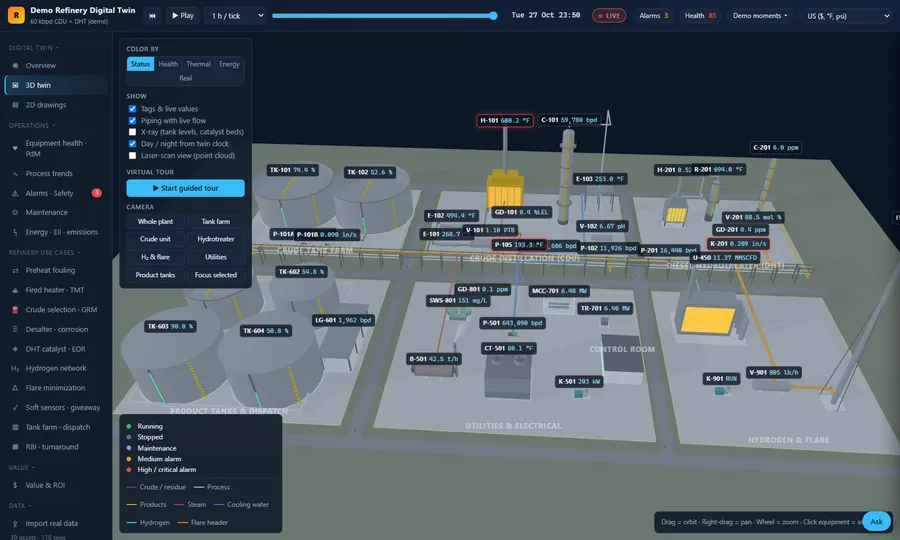
Demo Refinery
60 kbpd crude unit and diesel hydrotreater: preheat fouling, fired heaters, crude selection, corrosion, catalyst, hydrogen, flare and turnaround.
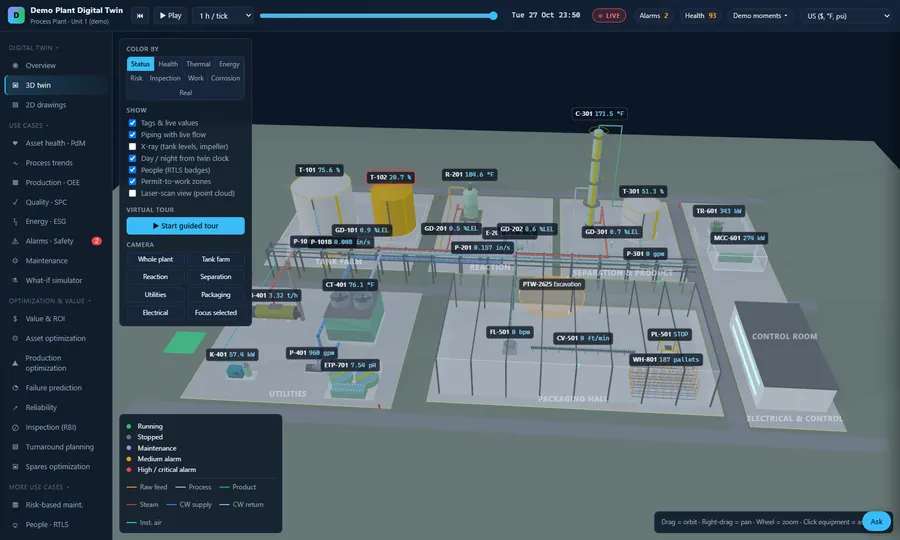
Demo Process Plant
Our most complete twin: predictive maintenance, OEE, quality, energy, permits, people, RBI, turnaround, supply chain and the AI assistant.
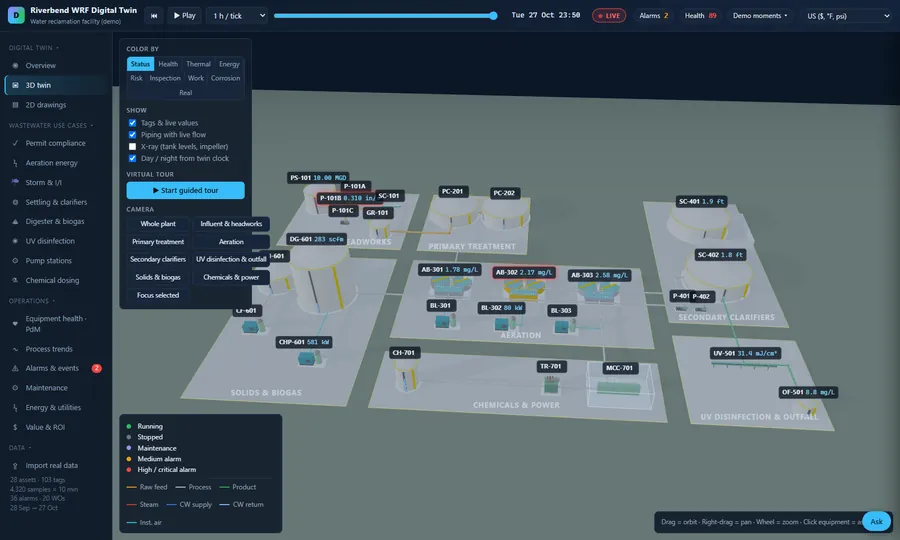
Water Reclamation
Discharge permit, aeration energy, storm events, clarifiers, digester, UV disinfection, pumps and chemicals.
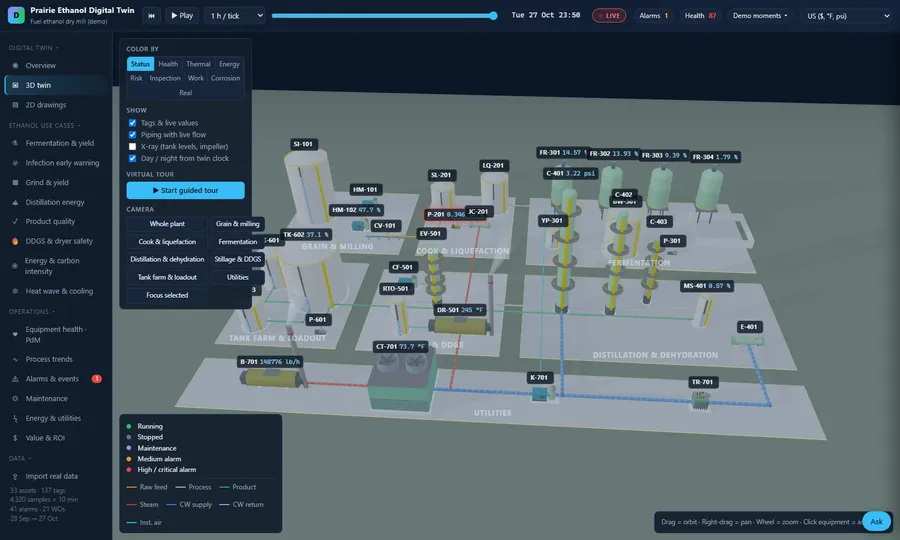
Fuel Ethanol Plant
Grinding, fermentation and infection watch, distillation, DDGS dryers, cooling, carbon intensity and energy.
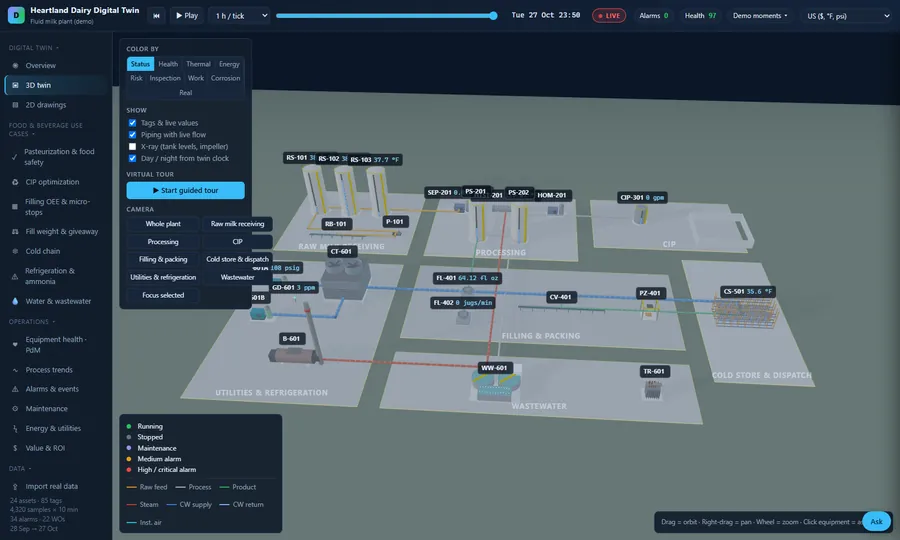
Dairy Plant
Pasteurisation, CIP cleaning, OEE, filler giveaway, cold chain, refrigeration and water use.
All business cases
A catalogue of every use case across the five twins, with a short description and a direct link — plus a printable guide.
Three things to try in five minutes
1. Press Play
The plant clock starts and every value moves. Use “Demo moments” to jump to interesting events.
2. Click equipment
In the 3D twin, click a pump or vessel to see its live data, health and history.
3. Open a use case
Try Asset health, Energy or Failure prediction from the menu on the left.
Your plant could be the next twin
Book a guided demo and we’ll show how a 12-week pilot would work on your site.